App-controlled lighting: the complete DFW homeowner guide
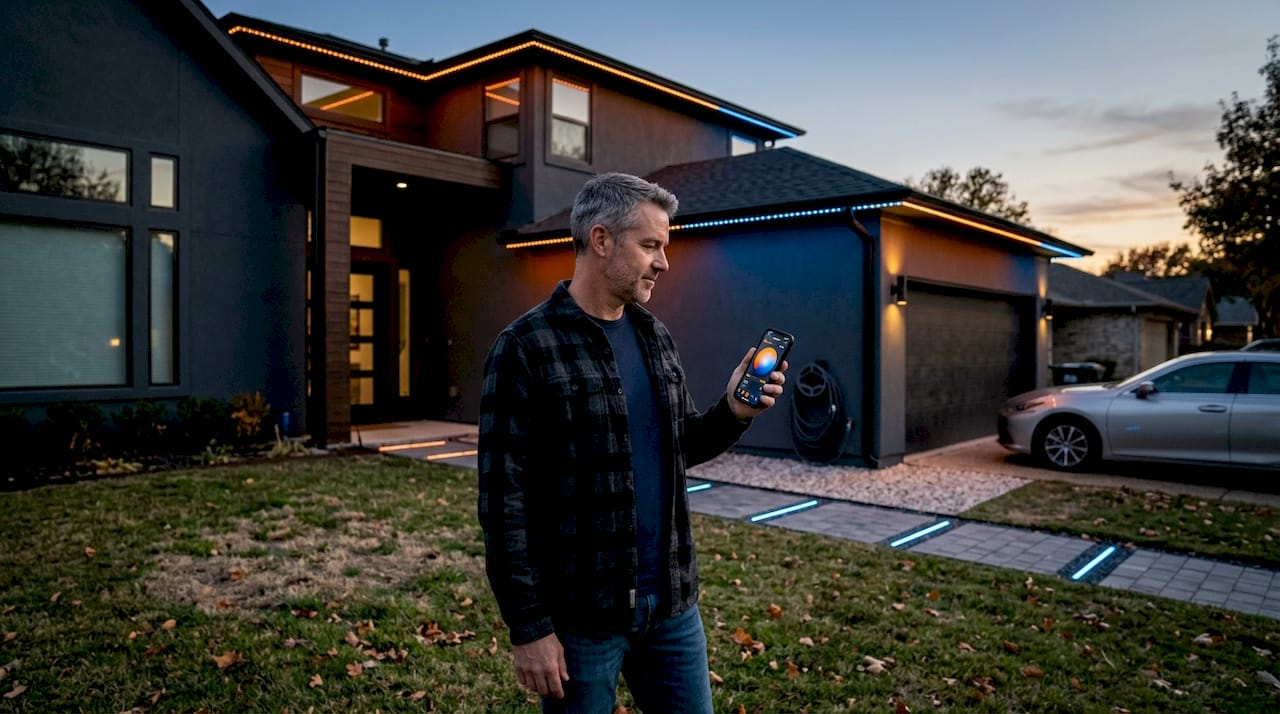
Managing outdoor lighting with a handful of remotes, manual switches, and timers that never quite sync up is one of those low-grade frustrations homeowners in the Dallas-Fort Worth area know well. You want your front entry glowing when guests arrive, your backyard patio lit for a Friday cookout, and your roofline showing team colors on game night, all without running back inside to flip switches. App-controlled lighting solves exactly that problem. This guide walks you through what the technology is, how it works, which connection method fits your property, and how to pick a system built for North Texas weather.
Table of Contents
- What is app controlled lighting?
- Key features and advantages for outdoor spaces
- Comparing connection methods: Wi-Fi vs. Bluetooth
- What to look for: Outdoor reliability and system selection
- The overlooked truth: It’s about the system, not just the light
- Upgrade your Dallas-Fort Worth outdoor lighting with expert installation
- Frequently asked questions
Key Takeaways
| Point | Details |
|---|---|
| Understand the system | App-controlled lighting is more than just a fixture, it’s about choosing a smart, reliable ecosystem for your whole outdoor space. |
| Choose protocols wisely | Wi-Fi offers broad control while Bluetooth is good for local setups; pick based on your home’s size and connectivity. |
| Prioritize outdoor durability | Always select lighting with a high IP rating to endure Dallas-Fort Worth weather. |
| Installation matters | Professional setup ensures your lights work seamlessly and avoid common compatibility headaches. |
| Ecosystem integration | Not all smart lights work smoothly with every app or assistant, so check compatibility before buying. |
What is app controlled lighting?
App-controlled lighting refers to any lighting system you manage through a smartphone application instead of a wall switch or physical remote. The lights connect to your home network or directly to your phone, and the app becomes your control center for everything from basic on/off commands to detailed color scenes and scheduled automation.
For outdoor spaces in the DFW area, this matters more than you might expect. You get the ability to adjust your lighting without being in the yard, set schedules that match your daily routine, and change colors for holidays, sports events, or seasonal themes without ever climbing a ladder or swapping a bulb.
Here are the core functions most app-controlled outdoor lighting systems offer:
- Remote on/off control from anywhere with a Wi-Fi or cellular connection
- Color and brightness adjustment across millions of color options or warm-to-cool white ranges
- Zone control so you can manage the front yard independently from the backyard or roofline
- Scheduling and timers that automatically activate lights at sunset and shut them off at midnight
- Scene saving so you can store your favorite configurations and recall them instantly
- Voice assistant integration with Alexa, Google Assistant, or Apple HomeKit on compatible systems
The three main wireless protocols used in these systems are Wi-Fi, Bluetooth, and Zigbee. Wi-Fi is the most common choice for DFW homeowners because it supports smart outdoor lighting control from anywhere, whether you are sitting on the couch or driving home from work. Bluetooth is simpler to set up and works well for small patios or close-range applications, though it requires your phone to be nearby. Zigbee uses a mesh network that chains devices together, which suits larger commercial properties but adds setup complexity most homeowners do not need.
Wi-Fi systems are generally the most capable option for full-home outdoor setups, but they are also more sensitive to network conditions. Wi-Fi typically supports remote access from any location, while Bluetooth is often simpler to configure but is limited to shorter range and does not support remote access once you leave the property.
Pro Tip: Before purchasing any app-controlled lighting system, walk your yard with your phone and check signal strength at the locations where you plan to install fixtures. Weak Wi-Fi in the backyard is one of the most common reasons homeowners run into frustrating connectivity problems after installation.
Key features and advantages for outdoor spaces
Now that you know what app-controlled lighting is, let’s explore the specific advantages and features you can expect in your outdoor space.
The feature set of modern app-controlled outdoor lighting goes well beyond simple on/off convenience. Here is a breakdown of what today’s systems bring to DFW properties:
| Feature | What it does | Why it matters for DFW |
|---|---|---|
| Full-color RGBW selection | Choose any color or white tone | Holiday themes, team colors, seasonal changes |
| Zone control | Manage separate lighting sections | Front entry, backyard, roofline independently |
| Scheduling and timers | Auto on/off at set times | Energy savings, consistent curb appeal |
| Voice assistant integration | Control via Alexa, Google, or Siri | Hands-free control during entertaining |
| Scene saving | Store preset configurations | One-tap setup for parties or game nights |
| Music sync | Lights pulse to audio | Outdoor entertainment upgrade |
| IP67 weatherproofing | Sealed against dust and water | Survives DFW rain, hail, and humidity |
The impact on curb appeal is real and measurable. Homes with well-programmed outdoor lighting create a polished, intentional look that neighbors and visitors notice immediately. Beyond aesthetics, security is a major benefit. Lights set to turn on at dusk and off at a specific hour, or programmed to simulate occupancy while you travel, add a visible deterrent without any effort on your part.
From an energy standpoint, homes can see up to 75% energy savings through smart automation compared to traditional outdoor fixtures left on all night. That reduction comes from scheduling, dimming, and the inherent efficiency of LED technology working together.
Here is how a typical DFW homeowner would program an evening scene step by step:
- Open the lighting app at home during setup and connect to the system via Wi-Fi.
- Navigate to the “Scenes” or “Zones” section and select the front yard zone.
- Choose a warm white color and set brightness to 80% for a welcoming entry look.
- Set a schedule to activate at sunset automatically using location-based triggering.
- Set a second schedule to dim to 30% after 10 p.m. for a subtle overnight presence.
- Save the scene and name it “Evening Curb” for quick one-tap recall later.
- Repeat for the backyard zone with a brighter, cooler white for outdoor activity visibility.
One nuance worth knowing: not every system integrates equally well across all voice assistant platforms. Smart lighting ecosystems are not always seamless across Apple HomeKit versus the manufacturer’s native app, and some advanced features like music sync or dynamic scene modes only work inside the brand’s own application.
Compatibility matters as much as features. A system with 16 million colors and voice control is only as useful as its actual integration with your home’s existing devices. Confirm ecosystem support before you buy, not after.
You can also learn more about the specific benefits of remote LED lighting control for DFW properties, including energy cost comparisons and real-world use cases that go deeper than what this overview covers.
Comparing connection methods: Wi-Fi vs. Bluetooth
Since connection method shapes your control experience and reliability, let’s compare the two main types and what works best for your DFW property.
The choice between Wi-Fi and Bluetooth is not just a technical detail. It directly affects whether your lights respond reliably from across the yard, whether you can control them while traveling, and how much setup time you invest upfront.
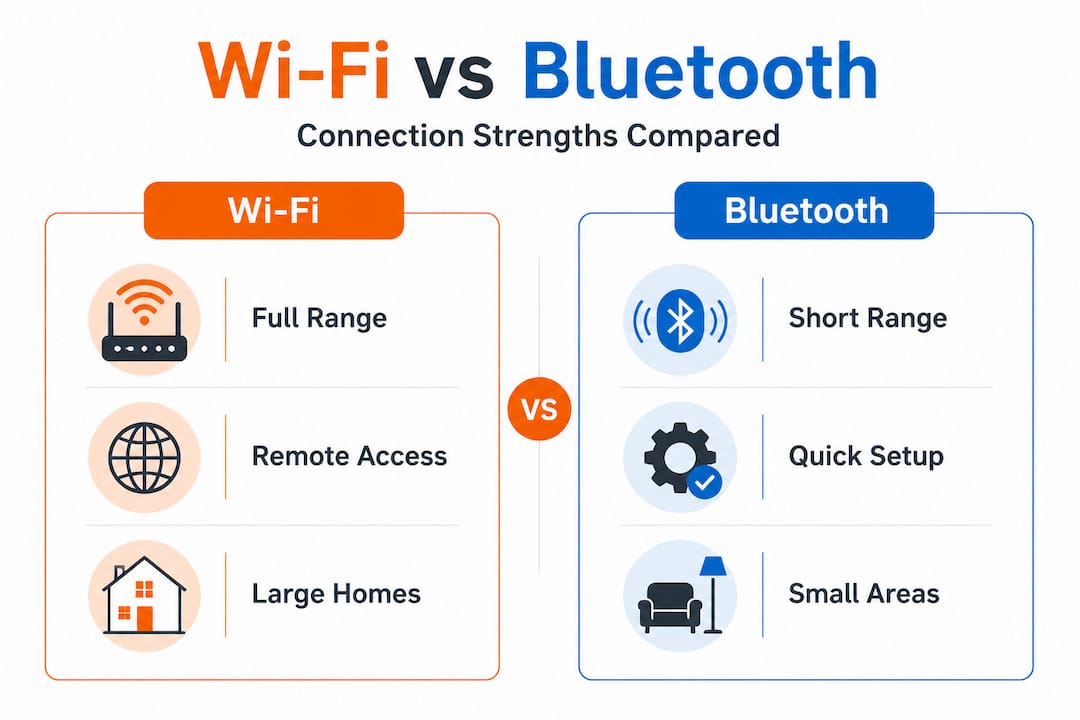
| Factor | Wi-Fi | Bluetooth |
|---|---|---|
| Range | Full home and remote access | Typically 30 to 50 feet from phone |
| Setup complexity | Moderate (requires network credentials) | Simple (phone pairs directly) |
| Remote access | Yes, from anywhere | No, requires local presence |
| Reliability outdoors | Strong with good signal | Affected by walls and obstacles |
| Best use case | Large lots, full-home systems | Patios, small setups, decks |
| Hub required | Sometimes, depends on system | Usually not |
For most DFW homeowners with a standard suburban lot and lighting across the front, back, and roofline, Wi-Fi is the clear choice. It supports full remote access and integrates cleanly with whole-home automation systems. Understanding the full range of lighting controllers explained helps you see where Wi-Fi controllers fit into a larger setup.
Bluetooth makes sense when you only need to control a small patio string or a deck accent fixture and your phone will always be nearby. It is lower cost and easier to get running in under five minutes, but the range limitation is a real constraint for anything beyond a close-range setup.
Keep in mind that Wi-Fi connectivity can be more sensitive to network conditions in outdoor areas where walls and distance reduce signal strength. If your backyard is 80 or 100 feet from your router, you may experience dropouts.
Before choosing your system, ask yourself these questions:
- Do I need to control the lights while away from home, or only when I am on the property?
- How far is my outdoor install location from the home’s Wi-Fi router?
- Am I lighting a small patio or a full perimeter system covering rooflines and landscaping?
- Do I want this to integrate with Alexa, Google, or a broader smart home setup?
- What is my tolerance for initial setup complexity versus long-term convenience?
Pro Tip: Before purchasing, walk to the farthest point of your planned install area and run a Wi-Fi speed test on your phone. If download speeds drop below 5 Mbps, plan for a Wi-Fi extender or mesh node before your lighting installation day.
What to look for: Outdoor reliability and system selection
With options and protocols in mind, it is vital to know how to choose lights that survive the Texas elements and grow with your future needs.
North Texas weather is not gentle on outdoor hardware. DFW homeowners deal with intense summer heat, sudden hailstorms, high humidity, and occasional freezing temperatures in winter. Any outdoor lighting system you choose needs to be built for that reality, not for a mild coastal climate.
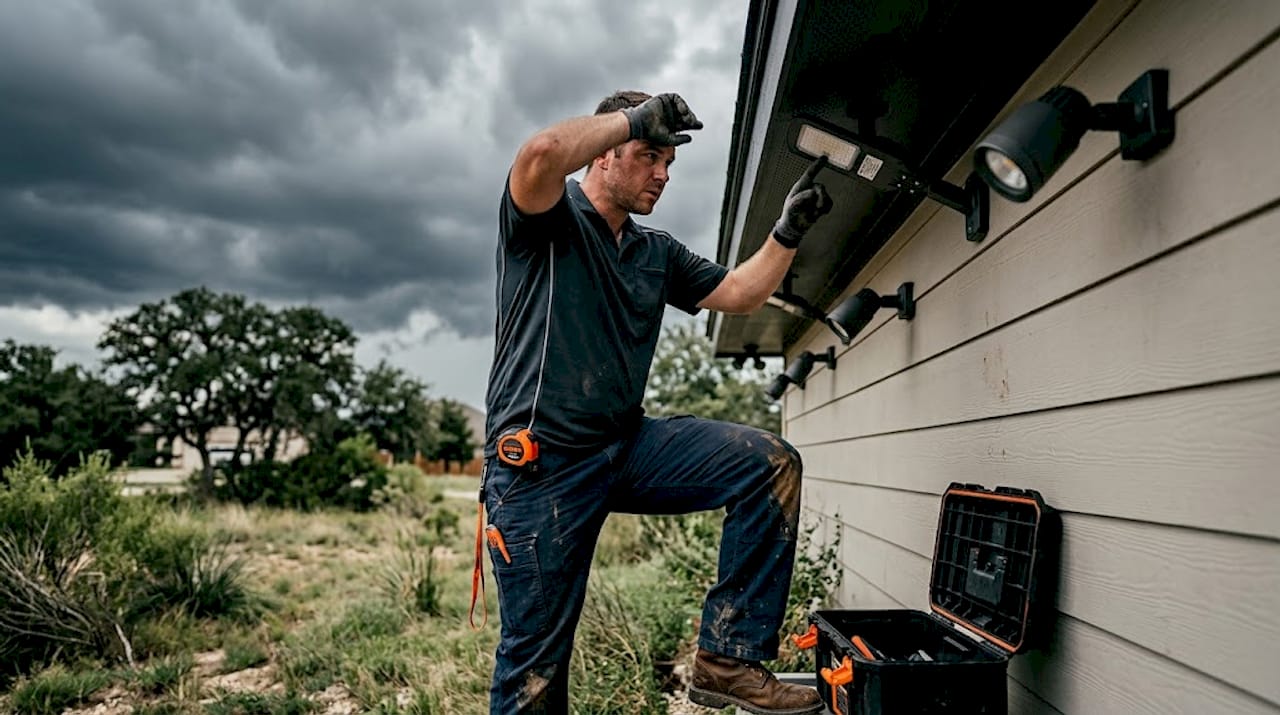
The most important rating to look for is the IP rating. IP stands for Ingress Protection, and it is a two-digit code that tells you exactly how sealed a fixture is against dust and water. Outdoor-rated hardware is essential for continued reliable operation when exposed to weather. For permanent outdoor use in DFW, you want a minimum of IP65, and IP67 is better. IP67 means the fixture can handle temporary water submersion, which matters when spring storms roll in and water pools against your home’s foundation or eaves.
Here is a numbered checklist for selecting an app-controlled outdoor lighting system suited to DFW conditions:
- Confirm the IP rating is IP65 or higher for any fixture mounted outdoors permanently.
- Verify Wi-Fi or Bluetooth compatibility with your home network band (2.4 GHz is most common for smart lights).
- Check the app reviews in the Apple App Store and Google Play before buying. Poor app reviews often signal a frustrating control experience.
- Assess the system scope you need, including how many zones, how many fixtures, and whether a hub is required.
- Review the warranty coverage for both hardware and software support.
- Confirm voice assistant compatibility if you use Alexa, Google, or Apple HomeKit.
- Ask about power and transformer requirements for permanent LED systems to avoid underpowering your setup.
The most important mindset shift here is treating lighting as a system choice involving protocol, hub, power, and weather rating rather than just picking a fixture that looks attractive in a product photo. A beautiful fixture that runs on an unreliable app or lacks proper sealing will frustrate you within the first season.
A common pitfall we see in DFW is homeowners buying individual accent lights based on appearance alone, then discovering the app is clunky, the color options are limited, or the lights are not rated for Texas summer sun. Thinking through zone control from the start, as covered in more detail at lighting zone control tips, helps you avoid those costly restarts.
The overlooked truth: It’s about the system, not just the light
Most guides focus on individual fixture features and call it a day. Here is what those guides miss, and what we have seen consistently across hundreds of DFW installations.
Homeowners who approach outdoor lighting as a fixture purchase almost always end up restarting. They buy a set of Wi-Fi-controlled path lights, then add a different brand of roofline LEDs, then pick up a Bluetooth patio kit at the hardware store. Within a year, they are managing three separate apps, the systems do not communicate, and adding a new zone means starting from scratch again.
The frustration is real, and the hidden cost is significant. Chasing mismatched lights means duplicated hardware, wasted labor time, and a smart home setup that is anything but smart. Voice control breaks down because Alexa can only reach two of the three systems. Scheduling gets complicated because each app has its own logic.
Treating lighting as a full system means you choose one protocol, one app platform, one power infrastructure, and weather-appropriate hardware from the start. Then everything scales cleanly. Adding the backyard zone six months later takes minutes, not a new product research session.
We have worked with DFW homeowners who started with a clear plan and a single integrated platform. They consistently report lower total cost, faster installation, and zero regret about compatibility. The homeowners who pieced systems together over time? Most of them eventually called us to start fresh with a unified solution anyway.
Integrating with smart home systems like Alexa, Google, or Control4 becomes genuinely straightforward when your lighting is built on one cohesive platform. When it is cobbled together from four brands, integration is an ongoing headache with no clean fix.
The most successful outdoor lighting projects in DFW all share one trait: the homeowner thought about the whole system before buying the first fixture.
Upgrade your Dallas-Fort Worth outdoor lighting with expert installation
If you are ready to move beyond DIY and want a reliable, beautiful solution, consider partnering with local experts who get it right the first time.
At DFW LED Pro, we specialize in permanent, app-controlled LED lighting systems designed specifically for North Texas properties and weather conditions. Every installation covers the full system, including protocol selection, power setup, weatherproof fixtures, and app configuration, so you get a seamless experience from day one.
We serve homeowners across the metroplex, from Dallas permanent LED lighting installations in the heart of the city to Midlothian LED lighting installation and every community in between. Our team handles consultation, installation, and system integration so your outdoor lighting works with your existing smart home setup, survives DFW weather, and looks premium from the street. Contact us today to schedule a no-obligation consultation and get a custom quote for your property.
Frequently asked questions
How do I know if an app-controlled light is weatherproof for Dallas-Fort Worth?
Look for an IP rating on the product description or packaging, as outdoor-rated hardware is essential for withstanding DFW’s rain, heat, and humidity. IP65 is the minimum for permanent outdoor use, and IP67 offers stronger protection.
Can I mix and match different brands of app-controlled outdoor lighting?
You usually get the best results staying within one brand’s ecosystem, because cross-brand app compatibility is inconsistent and advanced features often only work inside the manufacturer’s native app. Mixing brands typically means managing multiple apps with limited cross-system control.
What happens if my Wi-Fi is spotty outdoors?
Wi-Fi-based lighting performs poorly in areas with weak signal, so consider a Bluetooth solution for small close-range setups or install a Wi-Fi extender before adding outdoor smart lighting. Testing signal strength at your install locations before purchasing saves significant frustration.
Will smart lighting work with Alexa, Google, or Apple HomeKit?
Most major systems support popular voice assistants, but advanced features may require using the manufacturer’s native app rather than relying entirely on Alexa, Google, or Apple HomeKit. Always verify compatibility with your specific voice assistant before committing to a system.