How to control outdoor LED lights remotely: save time & energy
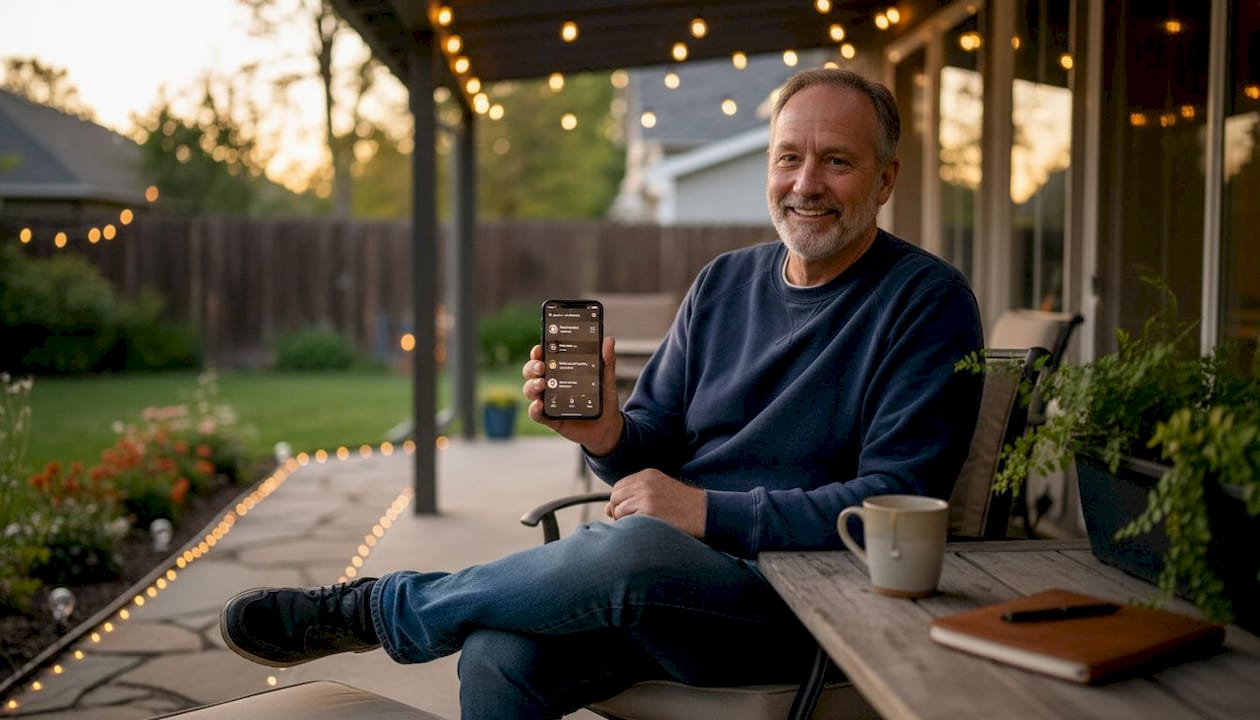
Walking to your breaker panel every night to flip outdoor lights on and off gets old fast. Whether you’re managing landscape lighting across a large South DFW property or just want your front porch to turn on before you pull into the driveway, manual control wastes time and drives up energy bills. Remote lighting control solves both problems. In this guide, we’ll walk you through the tools you need, how to set everything up, how to compare your options, and how to fix common issues so your outdoor LED lighting works exactly when and how you want it.
Table of Contents
- Tools and requirements for remote control systems
- Step-by-step: Setting up remote lighting control
- Comparing approaches: Which remote lighting method fits your needs?
- Troubleshooting and optimizing your setup
- Why most remote lighting guides miss what actually matters
- Get professional help with your remote lighting setup
- Frequently asked questions
Key Takeaways
| Point | Details |
|---|---|
| Multiple control options | WiFi, Zigbee, and Z-Wave each offer ways to remotely manage your outdoor lights. |
| Home size matters | Choose the right technology based on your property’s size and construction for best results. |
| Plan for reliability | Systems with local schedules and proper placement continue to work even during WiFi outages. |
| Optimize for efficiency | Programming schedules and selecting the right protocol reduces both hassle and energy use. |
Tools and requirements for remote control systems
After understanding the benefits, let’s get clear on what you’ll need to get started.
Primary methods for remote control of outdoor LED lights include WiFi-enabled smart landscape transformers, app-controlled permanent LED systems like Trimlight, and protocol-based systems using Zigbee or Z-Wave with hubs. Each approach has different hardware requirements and works best in different situations.
Here’s a quick breakdown of the three main methods:
| Method | Key Hardware | App Control | Best For |
|---|---|---|---|
| WiFi Transformer | Smart transformer, router | Yes, direct | Small yards, simple setups |
| Permanent LED System (e.g., Trimlight) | Controller, LED strips | Yes, full color | Whole-home permanent installs |
| Zigbee/Z-Wave Hub | Hub, compatible fixtures | Yes, via hub | Large homes, multi-zone setups |
Before you buy anything, check these items off your list:
- WiFi coverage: Does your router signal reach your outdoor fixtures? Dead zones around the garage or backyard are common in South DFW homes with brick or stucco exteriors.
- Power supply type: Know whether your fixtures run on 12V low-voltage or line-voltage (120V). This affects which controller or transformer you can use.
- Number of lights: Systems with 10 or more fixtures benefit from mesh protocols rather than direct WiFi connections.
- App compatibility: Confirm the app works with your phone’s operating system and any existing smart home platform you use (Google Home, Amazon Alexa, Apple HomeKit).
- Existing smart home tech: If you already use a hub, check whether it supports the lighting protocol you’re considering.
For homeowners in Arlington, Mansfield, Burleson, and other South DFW communities, we’ve helped evaluate suitable remote lighting control options across dozens of property types. Getting this initial checklist right saves a lot of frustration later.
Step-by-step: Setting up remote lighting control
With your components ready, here’s how to put everything together step by step.
- Choose your system. Decide between a WiFi transformer, a permanent LED system, or a Zigbee/Z-Wave hub setup based on your yard size and device count.
- Install the transformer or hub. Mount your smart transformer near your outdoor power outlet, or place your Zigbee/Z-Wave hub centrally inside the home for maximum range. Follow all manufacturer safety guidelines and turn off power before wiring.
- Download and configure the app. Grant the app location and local network permissions. Create your account and follow the in-app pairing wizard.
- Connect your lights. Pair each fixture or zone to the controller. For Zigbee/Z-Wave, put devices into pairing mode one at a time. For WiFi systems, connect each device to your 2.4GHz network (most smart lighting devices do not support 5GHz).
- Set up basic scheduling. Program your first schedule: lights on at sunset, off at 10:30 PM, for example. Test it manually through the app before relying on automation.
Realistic setup time is 1 to 3 hours for a basic WiFi system and 3 to 5 hours for a multi-zone Zigbee/Z-Wave installation. Common challenges include failed device pairing (usually fixed by a firmware update) and app permission errors on newer iOS or Android versions.
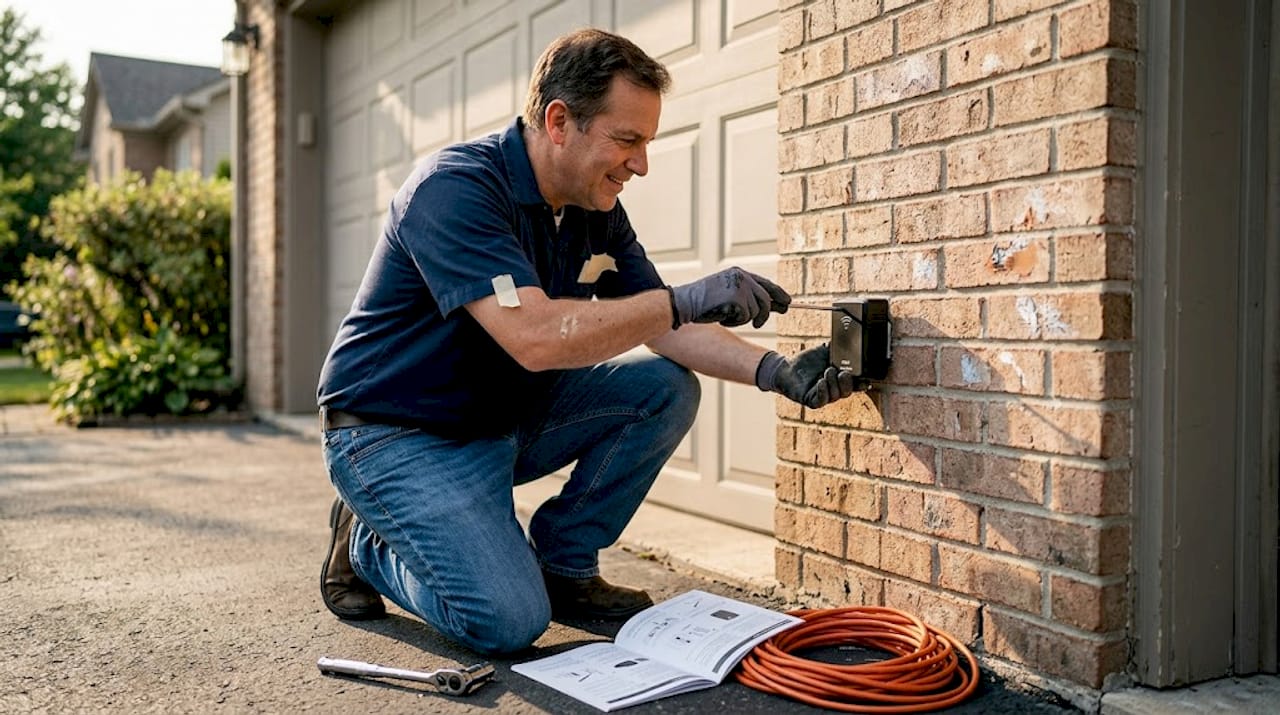
For protocol selection tips that match your specific setup, it’s worth reviewing your options before purchasing hardware. WiFi direct setups suit simple installs but can overload your network with 10 or more devices. Mesh protocols like Zigbee and Z-Wave are preferred for larger DFW homes where reliability matters.
Pro Tip: Mount your WiFi transformer or Z-Wave hub on an interior wall closest to your outdoor fixtures. Brick and stone exteriors common in South DFW can weaken signals significantly. Even a few feet of positioning difference can improve connection stability.
Comparing approaches: Which remote lighting method fits your needs?
Now that you’ve seen how setup works, let’s compare which system best matches your home’s requirements.
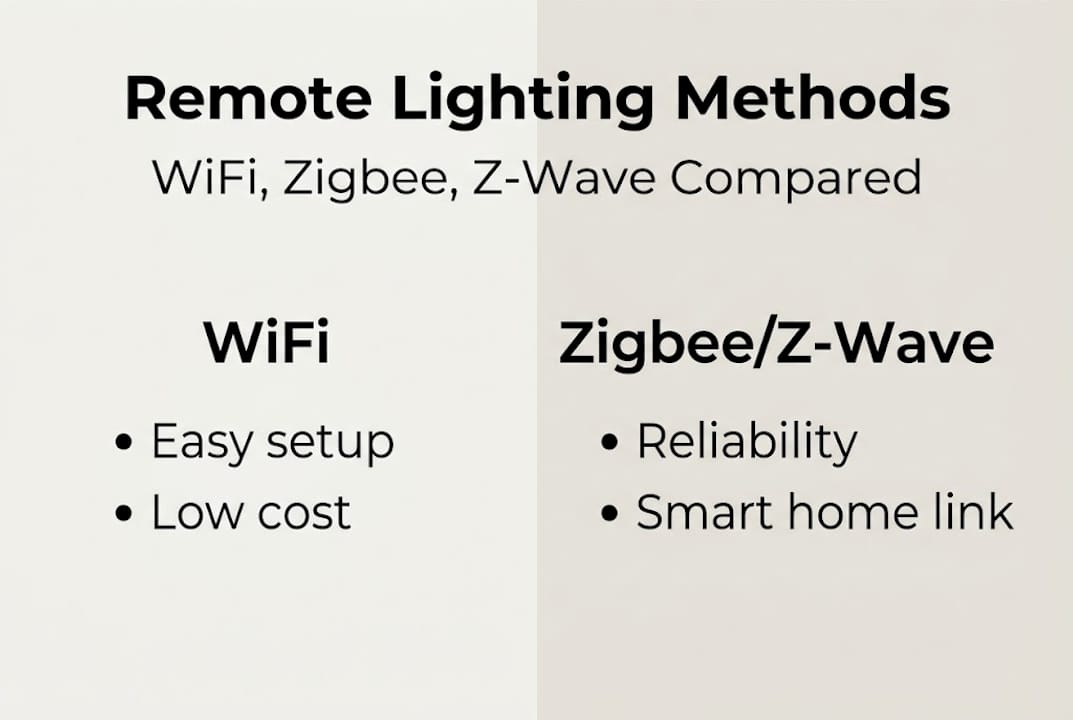
Here’s a side-by-side look at the three main options:
| Feature | WiFi | Zigbee | Z-Wave |
|---|---|---|---|
| Cost to start | Low | Medium | Medium-High |
| Reliability | Good (small setups) | Very Good | Excellent |
| Range | 100-150 ft | 30-100 ft (mesh) | 100+ ft (mesh) |
| Max devices | 20-30 | 65,000+ | 232 |
| Wall penetration | Moderate | Moderate | Strong |
| Future-proofing | Limited | High (Matter) | High (Matter) |
Z-Wave offers better wall penetration and range, making it a strong fit for larger South DFW homes. Zigbee supports far more devices and has a broader ecosystem, which suits homeowners who plan to expand their smart home setup over time.
Factors specific to South DFW homes worth considering:
- House size: Homes over 2,500 square feet with large lots benefit from Z-Wave or Zigbee mesh rather than WiFi.
- Exterior wall material: Brick, stone, and stucco reduce WiFi and Zigbee 2.4GHz signal strength more than Z-Wave’s sub-GHz frequency.
- Existing smart home tech: If you already use a Samsung SmartThings or similar hub, it likely supports both Zigbee and Z-Wave natively.
- Planned expansion: Adding landscape lighting zones, holiday lighting, or security lighting later is easier with a mesh protocol.
One important upgrade trigger: Matter bridges future-proof Zigbee and Z-Wave by allowing them to work across Apple HomeKit, Google Home, and Amazon Alexa without separate apps. If you’re planning a larger smart home integration, choosing hardware that supports Matter compatibility now saves a costly swap later.
Consider upgrading your current system if you experience frequent connectivity drops, are planning a landscape expansion, or want to integrate everything into a single smart home protocol comparison platform for unified control.
Troubleshooting and optimizing your setup
Even with the right setup, occasional issues can happen. Here’s how to fix and fine-tune your system.
Common problems and quick fixes:
- Dropped connections: Move your hub or transformer closer to the fixtures. Check for new appliances or neighboring WiFi networks that may be causing interference.
- Unresponsive lights: Power cycle the fixture and the controller. Check that firmware is up to date on both the hub and the individual devices.
- App errors: Log out and back in. If the app shows the device as offline, delete it from the app and re-pair it from scratch.
- Schedules not running: Confirm the controller has the correct local time zone set. Some devices reset their clock after a power outage.
- Partial zone control: If only some lights in a zone respond, check for a loose wire connection at the transformer or a failed device acting as a mesh relay.
Pro Tip: Always program local schedules directly on your controller or hub, not just through a cloud app. Local schedules run during WiFi outages, keeping your lights on a consistent pattern even when your internet goes down.
Safety note: Never connect outdoor fixtures to a controller without verifying the wiring is rated for outdoor use and properly grounded. Install a surge protector on your transformer to guard against the voltage spikes that are common during South DFW thunderstorm season. Improper wiring is the leading cause of permanent LED system failures we see in the field.
For South DFW weather specifically, set your schedules to adjust seasonally. Summer evenings get dark later, so a fixed 7:30 PM schedule will fire before sunset in June. Use the astronomical clock feature available in most modern apps to tie your schedule to actual sunset times rather than fixed hours. This alone can cut unnecessary runtime by 30 to 45 minutes per day.
Why most remote lighting guides miss what actually matters
Most online guides spend pages comparing app features and protocol specs. That’s useful, but it skips the practical reality we see every week across South DFW installations.
The number one cause of remote lighting failures we encounter is not a bad protocol choice. It’s poor initial placement of the controller, combined with no surge protection. One lightning strike during a DFW thunderstorm can wipe out an unprotected controller instantly. No app update fixes that.
The second issue is chasing complexity. Homeowners sometimes invest in elaborate multi-hub setups when a single well-placed WiFi transformer would have done the job reliably for years. Simplicity wins when your goal is convenience, not a tech showcase.
Our honest take: prioritize ease of use, proven hardware, and a setup you can actually manage yourself when something goes wrong. Expert outdoor lighting advice from someone who has installed systems across dozens of South DFW properties is worth more than any spec sheet. The best system is the one that works every single night without you thinking about it.
Get professional help with your remote lighting setup
If you want hands-off convenience or expert troubleshooting, here’s an easy solution.
At DFW LED Pro, we design, install, and support permanent outdoor LED lighting systems across 35+ cities in the Dallas-Fort Worth area, including Arlington, Mansfield, Burleson, Cedar Hill, and Midlothian. Our team handles everything from initial system design to app configuration and ongoing tech support.
Whether you’re starting fresh or upgrading an existing setup that keeps giving you headaches, we make it simple. Reach out to explore professional remote lighting solutions tailored to your home’s layout, your HOA requirements, and your budget. We’ll recommend the right technology and install it correctly the first time.
Frequently asked questions
Which remote control method is best for large homes?
Z-Wave performs best in large homes because of its longer range and stronger ability to penetrate brick and stone walls common in South DFW properties.
Can my remote lighting work during a WiFi outage?
Yes. Systems that store local schedules on-device will continue running your programmed lighting schedule even when your internet connection goes down.
How do I reduce interference between my lighting system and other smart devices?
Choose Z-Wave, which operates on a sub-GHz frequency that avoids the 2.4GHz band congestion caused by WiFi and Zigbee devices sharing the same frequency range.
Can I integrate outdoor LED lights with other smart home platforms?
Yes. Using Matter-compatible bridges allows Zigbee and Z-Wave lighting systems to connect with Apple HomeKit, Google Home, and Amazon Alexa from a single interface.