What Is a Homeowner Lighting App? 2026 Guide
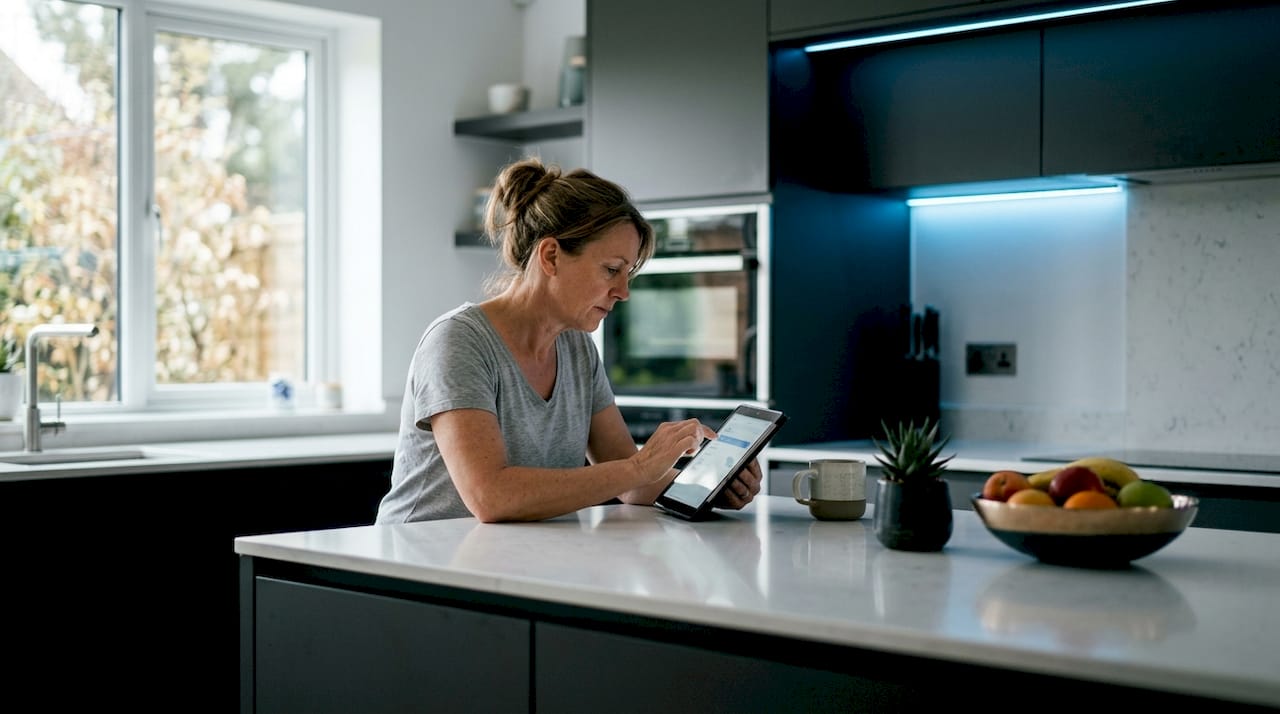
A homeowner lighting app is mobile software that acts as the command center for your smart lighting system, letting you control, schedule, and customize every light on your property from a smartphone or tablet. The industry term for this category is “smart lighting control app,” but homeowners searching for practical guidance will find both terms used interchangeably. These apps connect to smart lighting hardware via Wi-Fi, Bluetooth, or a dedicated hub, and most support voice integration with Alexa or Google Home. If you are exploring smart lighting for your home, understanding what these apps do and how to choose the right one is the fastest path to a system you will actually use.
What is a homeowner lighting app and how does it work?
A homeowner lighting app is a mobile interface for smart lighting that replaces the traditional wall switch with a full control panel in your pocket. You can turn lights on or off, dim them, change their color, set schedules, and group fixtures into zones, all without leaving the couch or even being home. Most apps communicate with your lighting hardware over 2.4 GHz Wi-Fi, Bluetooth 4.0 or higher, or through a dedicated bridge device. The bridge acts as a translator between your phone and the lights, which is why some systems feel more reliable than others.

The setup process follows a predictable pattern across most platforms. You install the hardware first, whether that is smart bulbs, smart switches, or a permanently mounted LED system. Then you download the app, create an account, and pair your devices to your home network. Setup typically takes 15–30 minutes per device or bridge, depending on the complexity of your system. After pairing, you configure zones, name your fixtures, and set your first schedule.
Voice assistant integration is the feature most homeowners activate during setup. Linking your lighting app to Alexa or Google Home takes about two minutes and lets you control lights with spoken commands. Dfwledpro covers the full process of voice assistant integration for homeowners who want to go beyond basic app control.
Pro Tip: Connect your lighting app to a 2.4 GHz Wi-Fi network specifically. Many modern routers broadcast both 2.4 GHz and 5 GHz bands under the same name, which causes pairing failures. Separate the bands in your router settings and label them clearly before you start setup.
What features do homeowner lighting apps offer?
Smart lighting apps deliver far more than a simple on/off switch. The core features available across most platforms include:
- On/off and dimming control: Adjust brightness from 0–100% for any individual fixture or group.
- Color tuning: RGB and RGBW systems let you dial in any color or white temperature, from warm amber to cool daylight.
- Zone grouping: Assign fixtures to rooms or areas and control them together with one tap.
- Scene creation: Save a specific combination of brightness and color as a named scene. “Movie night,” “holiday display,” and “security mode” are common examples.
- Scheduling and timers: Set lights to turn on at sunset, off at midnight, or follow any custom schedule you define.
- Sunrise/sunset automation: The app reads your location and adjusts schedules automatically as daylight hours change through the seasons.
- Music synchronization: Advanced apps sync lighting to audio input, pulsing colors to the beat of music or media.
- Human presence sensors: Some platforms integrate with motion or occupancy sensors to trigger lighting automatically.
- Voice control: Alexa, Google Home, and Apple HomeKit commands work through the app’s ecosystem.
The feature that surprises most homeowners is individual pixel control. High-end permanent LED systems, including JellyFish Lighting products installed by Dfwledpro, allow you to control each LED segment independently. That means you can run animated patterns, holiday color sequences, or a steady wash of color across your roofline, all from the same app.
Pro Tip: Build your scenes before you need them. Set up your holiday lighting scenes in october so you can activate them with one tap on thanksgiving morning instead of spending 20 minutes adjusting colors at the last minute.
How to choose the best smart lighting app for your home
Choosing the right home lighting control app starts with your existing hardware. Most apps are tied to specific manufacturers or protocols, so mixing brands without a unified platform leads to managing multiple disconnected apps. That is the fastest path to frustration.
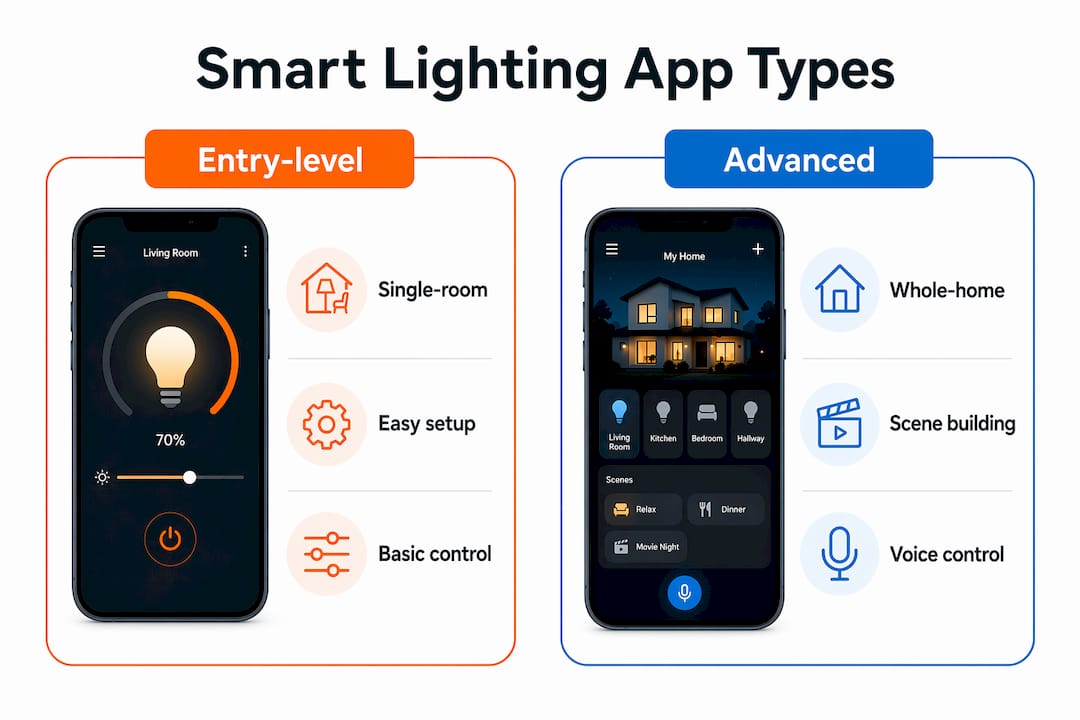
The table below outlines the three main categories of smart lighting apps and what each suits best.
| App category | Best for | Key strength | Limitation |
|---|---|---|---|
| Entry-level / beginner | Single-room setups, first-time users | Simple interface, fast setup | Limited automation depth |
| Premium ecosystem | Multi-room homes, advanced schedules | Deep customization, reliable cloud | Tied to one hardware brand |
| Local control platform | Tech-savvy homeowners, privacy-focused | No cloud dependency, maximum flexibility | Steeper learning curve |
Compatibility, scalability, and security are the three factors that separate a good choice from a frustrating one. Compatibility means the app works with your specific bulbs, switches, or LED controller. Scalability means you can add more fixtures later without switching platforms. Security means understanding whether your lighting data lives on a local hub or gets sent to a manufacturer’s cloud server.
Privacy handling varies significantly between platforms. Premium ecosystems like Apple HomeKit process data locally on your devices, while budget platforms often route everything through cloud servers. If data privacy matters to you, check the platform’s privacy policy before you buy a single bulb.
The concept of “app fatigue” is real. Without a centralized platform, homeowners end up juggling three or four separate apps for different fixtures. The fix is to choose one ecosystem from the start and buy hardware that fits within it. For outdoor lighting specifically, a professionally installed system like JellyFish Lighting comes with its own dedicated app, which eliminates the compatibility guesswork entirely.
The best lighting app is the one aligned with your specific goals, not the one with the most impressive screenshots. Test a platform’s free version or trial before committing to a full installation.
Practical tips for getting the most from your lighting app
Reliability is the difference between a smart lighting system you love and one you ignore. These tips address the most common failure points homeowners encounter.
- Lock your hub to the 2.4 GHz band. Network stability on 2.4 GHz is critical for consistent smart light connections. Routers that prioritize 5 GHz can push your lighting bridge off the network without warning.
- Assign a static IP address to your lighting bridge. When your router assigns a new IP address after a reboot, your app loses track of the bridge. A static IP prevents that dropout entirely.
- Keep manual wall switches functional. Manual override is an essential fail-safe for any smart lighting setup. When Wi-Fi goes down or the app has an outage, a working wall switch keeps you in control.
- Update firmware before troubleshooting. Most connectivity problems disappear after a firmware update. Check for updates on both the app and the bridge hardware monthly.
- Name your fixtures clearly. “Front left eave” is more useful than “Light 4” when you are building scenes or giving voice commands at 11 PM.
- Build voice assistant routines. Link your lighting scenes to Alexa or Google Home routines so a single phrase activates a full sequence across multiple zones.
- Review your schedules seasonally. Sunrise and sunset times shift by more than two hours between winter and summer in the Dallas-Fort Worth area. Check that your automation schedules still make sense every few months.
Explore the complete DFW homeowner guide for step-by-step instructions on pairing and configuring smart lighting hardware specific to this region.
Key Takeaways
A homeowner lighting app is only as effective as the hardware ecosystem and network it runs on, so choosing compatible, scalable hardware from the start is the single most important decision you will make.
| Point | Details |
|---|---|
| Definition is clear | A lighting app is mobile software that controls smart lighting hardware remotely via Wi-Fi or Bluetooth. |
| Setup takes under an hour | Most systems pair and configure in 15–30 minutes per device when the network is set up correctly. |
| Features go beyond on/off | Scene creation, sunrise/sunset automation, and zone grouping are standard in most mid-tier apps. |
| Ecosystem lock-in is real | Mixing brands without a unified platform leads to managing multiple apps and reliability problems. |
| Manual control is non-negotiable | Always keep wall switches functional as a backup when the app or network fails. |
Why I think most homeowners set up their lighting apps wrong
The most common mistake I see is homeowners choosing an app based on interface design rather than hardware compatibility. A beautiful app that does not fully support your fixtures is worse than a plain app that works every time. Compatibility is the foundation. Everything else is secondary.
The second mistake is skipping the manual switch. I have talked with homeowners who replaced every switch in their house with smart dimmers, then found themselves standing in a dark hallway during a Wi-Fi outage with no way to turn on a light. Always maintain manual control options alongside your app. It is not a backup plan. It is a requirement.
The third issue is underestimating outdoor lighting. Most homeowners think about indoor bulbs first, but outdoor lighting is where app control delivers the biggest visible impact. Being able to switch your roofline from white to red and green on december 1st, or activate a security scene when you leave for a weekend trip, changes how you experience your home. Professionally installed systems like JellyFish Lighting are built around app control from the ground up, which is why they perform more reliably than DIY outdoor setups. Learn more about smart exterior lighting options if outdoor control is your primary goal.
The future of these apps is moving toward local processing and Matter protocol compatibility, which will reduce cloud dependency and improve cross-brand reliability. That shift is already underway in 2026. If you are buying now, prioritize platforms that have committed to Matter support.
— Adrian
Dfwledpro’s smart outdoor lighting with built-in app control
Dfwledpro is the official authorized JellyFish Lighting dealer for the Dallas-Fort Worth metroplex, serving homeowners across Arlington, Mansfield, Fort Worth, Grand Prairie, Burleson, and 30+ surrounding cities.
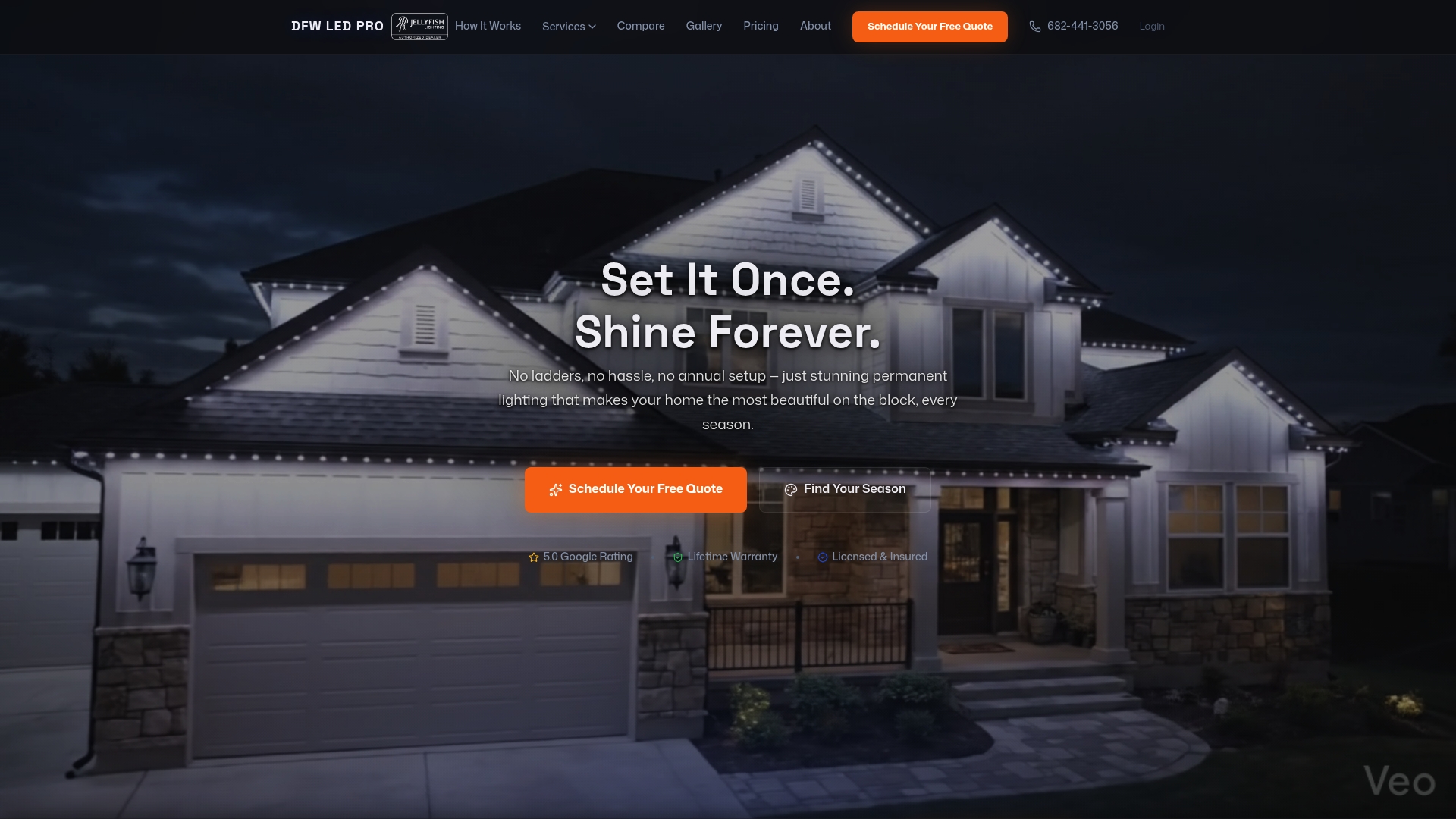
JellyFish Lighting is a permanent LED system installed directly into your roofline, controlled entirely through a dedicated app. You get full RGB color control, scene scheduling, holiday presets, and zone management without any of the compatibility guesswork that comes with DIY setups. Our team handles installation, network configuration, and app setup so your system works correctly from day one. If you are ready to see what professional LED installation looks like on a DFW home, or want to explore options for your property, visit the JellyFish Lighting Dallas page to get started.
FAQ
What is a homeowner lighting app used for?
A homeowner lighting app controls smart lighting hardware remotely from a smartphone or tablet, with features including on/off switching, dimming, color changes, scheduling, and voice assistant integration.
How long does it take to set up a smart lighting app?
Setup typically takes 15–30 minutes per device or bridge, covering hardware installation, app download, account creation, and device pairing.
Do lighting apps work without internet?
Apps that use a local hub or bridge can maintain basic control without internet access, but cloud-dependent platforms lose most functionality during an outage. Keeping wall switches functional covers you in either case.
What Wi-Fi band do smart lighting apps require?
Most smart lighting hardware connects on the 2.4 GHz Wi-Fi band, not 5 GHz. Connecting to the wrong band is the leading cause of pairing failures during setup.
Can I control outdoor lighting with a homeowner lighting app?
Yes. Permanent outdoor LED systems like JellyFish Lighting are designed specifically for app-controlled outdoor lighting, with full color, scene, and schedule control built into the dedicated app.